
How it works
From laboratory discovery to a live diagnostic Program.
Discover or bring your existing laboratory, expand into additional approved suppliers, and manage your diagnostic Programs through one API. No separate Solia platform subscription or mandatory laboratory-test markup.
One API supports multiple approved Programs, with no separate Solia network subscription for approved health companies initially. Laboratory access, commercial terms and Production activation follow approval.
Four stages
One governed path to production.
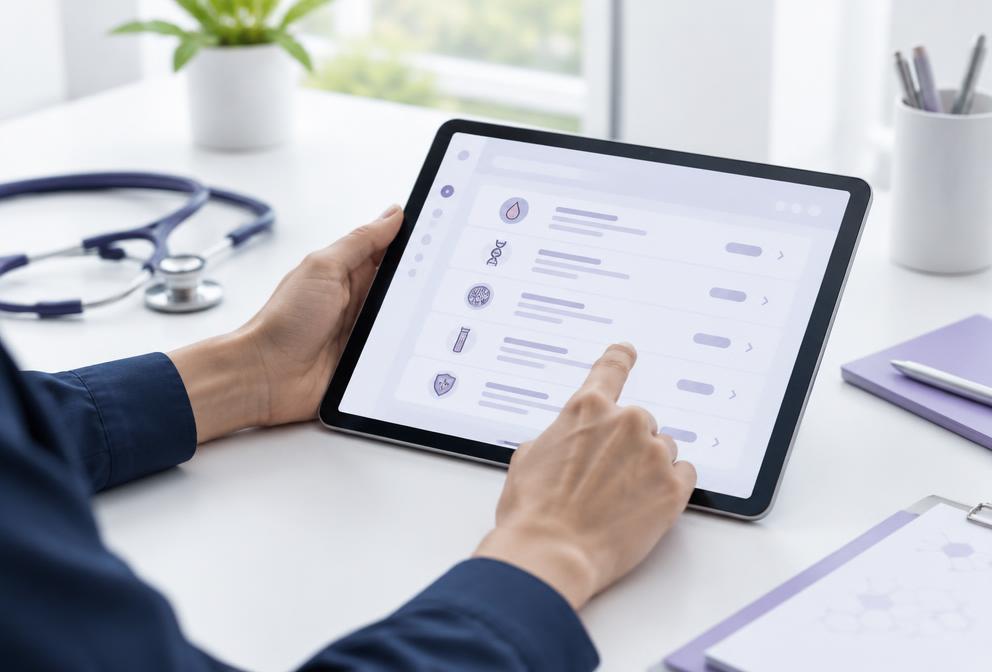
Discover
Identify laboratories, testing and fulfillment that fit your product.

Program
Configure testing, collection, clinical ordering and commercial requirements.

Integrate
Connect your product once through the standardized Partner API.
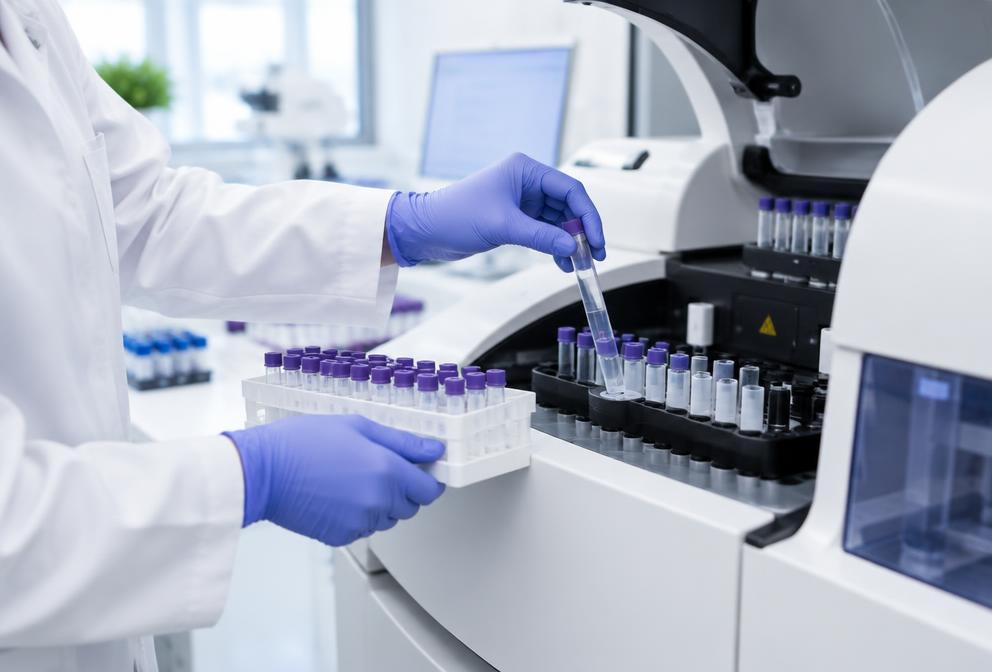
Production
Launch the approved Program against laboratory-backed supply.
Buyer journey
From first search to released results.
Discover testing and laboratories
Browse the testing catalog and laboratory profiles.
Create or access your workspace
Sign in to the Solia App as a health company; no separate Solia platform subscription for approved health companies.
Configure your Program
Define testing, collection, clinical and commercial requirements, then obtain laboratory approval.
Test in the Sandbox
Validate your integration in the authorized Sandbox, which is not Production.
Complete readiness
Confirm collection, clinical ordering and Production readiness with the laboratory.
Begin approved ordering
Real commercial orders start only after Production approval.
Track and receive results
Follow status and receive released results and events through the supported Partner API.
Sandbox
For integration testing against an authorized Program. It does not process real commercial orders, and signing up does not enable them.
Production
Real orders require an approved Program, laboratory readiness, any required clinical authorization and the laboratory’s active Production subscription.
Diagnostic Program
The governed relationship behind every order.
Each Program sets the operating and commercial terms between your product and the laboratory.
Each Program defines the applicable ordering requirements. Use existing authorized clinicians or eligible clinical provider services where available. Required clinical authorization is completed before applicable laboratory fulfillment.
Explore capabilities- Approved laboratory
- Testing
- Collection
- Logistics
- Clinical rules
- Commercial rules
Use the network or bring your laboratory.
Network
Discover participating laboratories.
Compare testing, collection and fulfillment across the network.
Explore laboratoriesExisting relationship
Bring your laboratory.
Nominate a current laboratory for onboarding and Program approval.
Bring your laboratoryPartner API
Integrate once. Operate every Program.
One standardized integration path. Laboratories, testing, collection and commercial terms stay governed by each approved Program.
- Your product
- Partner API
- Approved Program
- Laboratory
Reference send-outs
A separate workflow from ordinary fulfillment.
Specialty and reference testing between laboratories is arranged per approved Program. Steps marked planned are not automated.
Request a specialty assay
Described in a Program request.
Establish an approved reference relationship
Reviewed between laboratories and the Program.
Confirm specimen, collection and requisition
Agreed before use.
Complete a validated handoff
Planned. Not automated today.
Laboratory testing
Performed by the reference laboratory.
Approved results return
Planned. Not automated today.
Launch your diagnostic Program.
Production access is activated through an approved laboratory-backed Program.